Plotted Work Studio

Notion systems for managers and product teams

Templates for the work that doesn't fit in a calendar — one-on-ones, performance, hiring, product research, competitive signals. Built by a former CX/UX researcher in big tech, and used before they were sold.

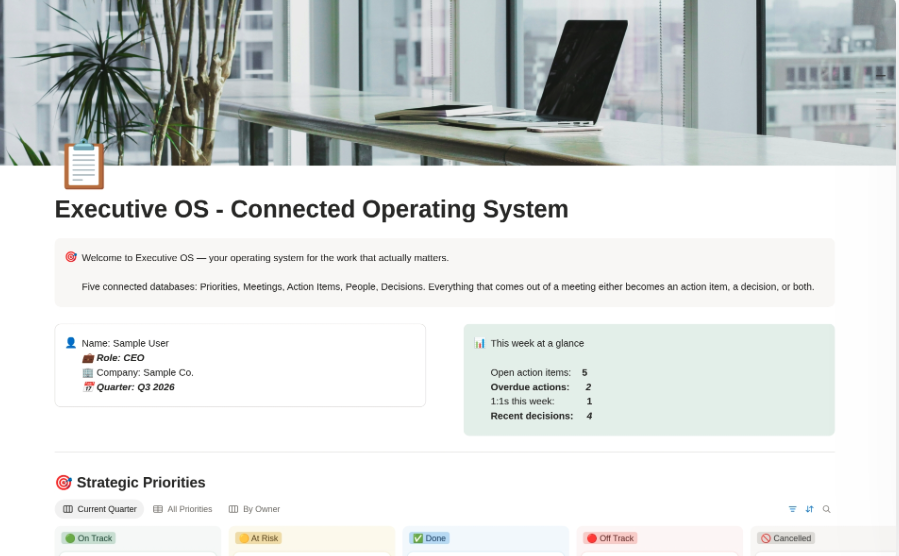
Executive OS dashboard showing the weekly overview and strategic priorities

Templates

Two kinds of work. Two focused collections.

About

Built for the work, not the aesthetic.

Most templates are either too generic to be useful or so elaborate you spend a weekend learning them. These are built the other way round: open one, understand it in a minute, use it that afternoon.

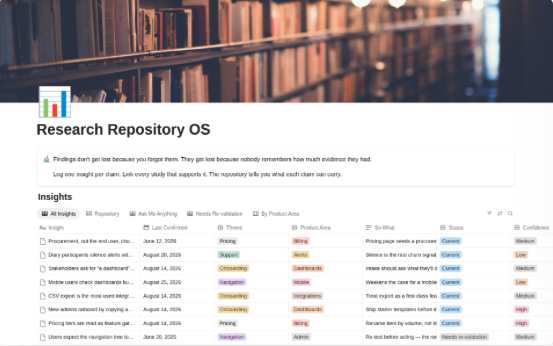
Every template here started as something I needed. The 1:1 tracker because I kept raising the same thing twice. The research repository because findings kept getting quoted long after the evidence had gone stale. If I wouldn't use it myself, it isn't here.

I'm Dominique — a former Senior UX Researcher at Microsoft, now building tools and consulting from Seattle. Background in cognitive psychology and research methods, which is why these are built around how people actually work rather than how a system diagram says they should.

Consulting

Work with me

Sometimes a template isn't the answer. If your team needs a Notion workspace designed around how you actually operate, or research and customer-discovery work done properly, that's what CX UX Spark does.

CX UX Spark ↗

FAQ

Questions about the work and the templates.

How do product managers keep track of customer research?
The failure mode isn't collecting research, it's losing track of what supports what. Six months after a study, someone quotes a finding in a roadmap discussion and nobody remembers whether it came from eight interviews or one. Keeping insights linked to their underlying studies — with a count of how much evidence each rests on — makes that answerable. Research Repository OS is built around it.
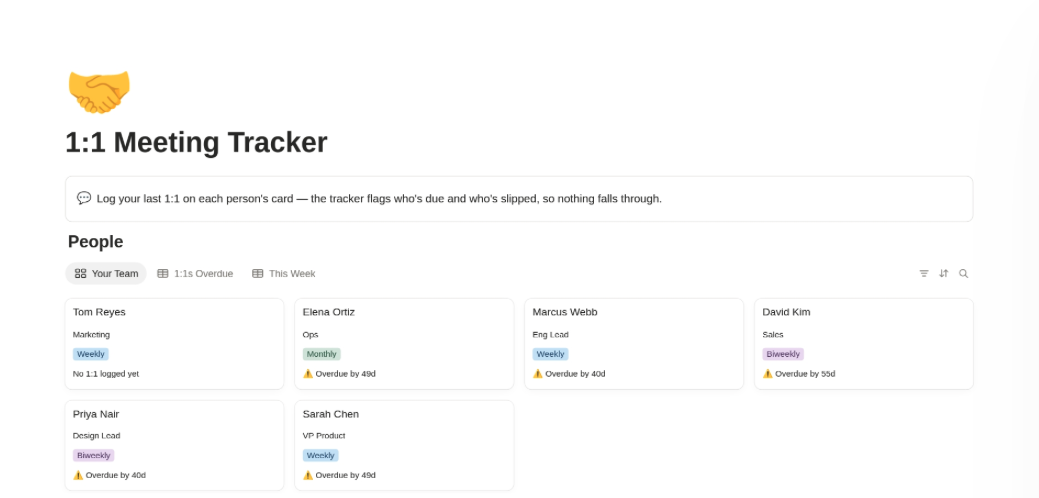
How do I keep track of 1:1s with my team?
The problem isn't recording the meeting, it's carrying things forward. A good system keeps a running agenda both people can add to between meetings, notes attached to that agenda rather than a separate doc, and follow-ups that stay visible until they're done. Without that, the same issue gets raised twice and forgotten twice. The 1:1 Meeting Tracker is built around that loop.
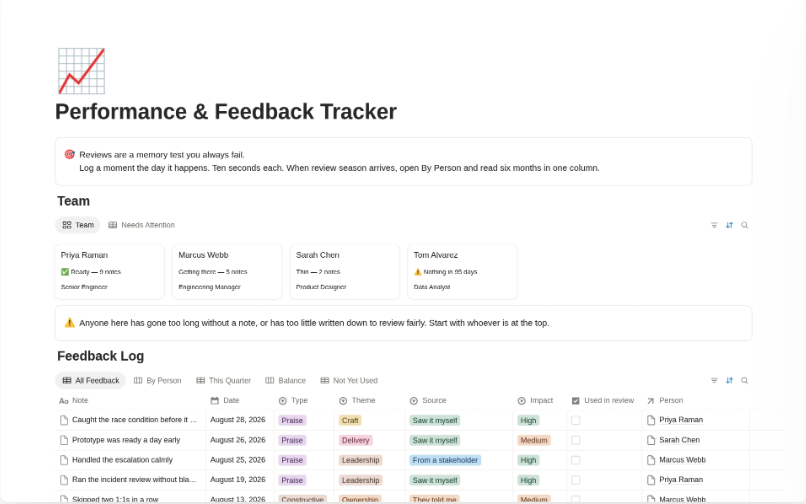
How should managers track feedback for performance reviews?
Write it down when it happens. Most review-season pain comes from reconstructing nine months from memory, which favours whatever occurred most recently. Logging specific moments as they occur — with a date and enough context to make sense later — turns review writing into editing rather than remembering. That's what the Performance & Feedback Tracker does.
How do product teams keep track of research findings?
Separate the insight from the evidence behind it — a claim is not the same as the study that supports it. When they live in one document, you lose the ability to ask how much evidence a claim actually rests on, or whether it's gone stale. Research Repository OS keeps them linked but distinct, with evidence strength and staleness tracked.
How do I keep track of articles and sources for research?
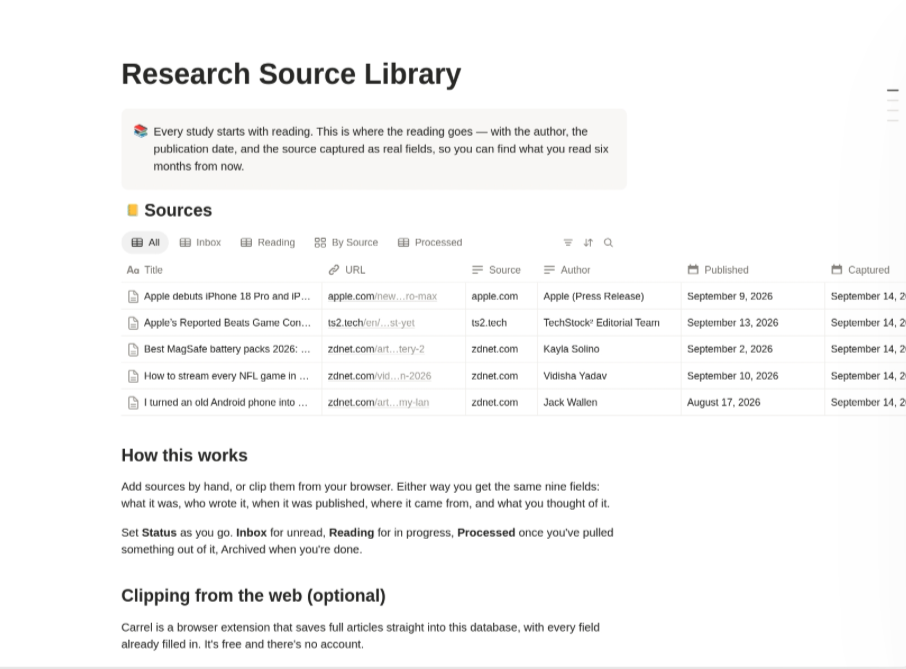
Capture the author, publication date and source as separate fields rather than pasting links into a page. That's what makes a library searchable six months later — you can filter by publication, sort by date, and find the piece you half-remember. The Research Source Library does this, and pairs with a browser extension that fills the fields automatically.
How do I track competitors in Notion?
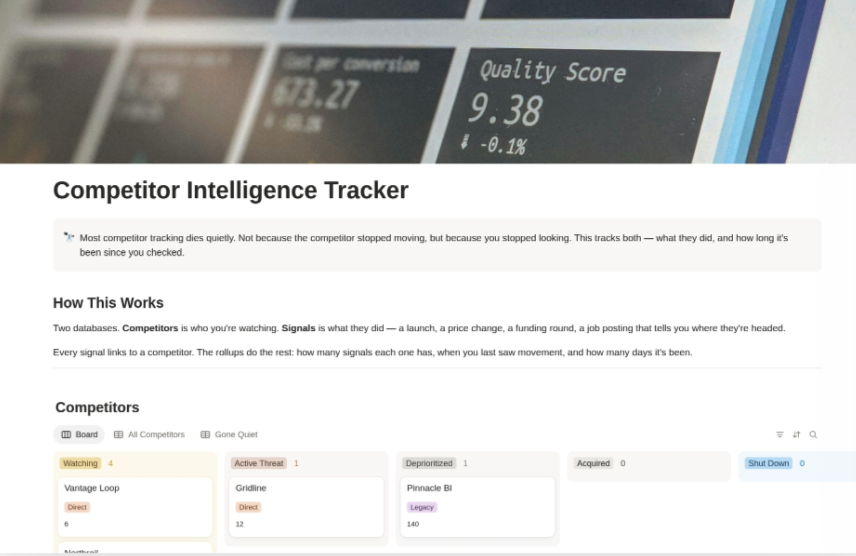
Track two things, not one. Most competitor tracking records what the competition did, but dies quietly when you stop looking — and nothing tells you that you've stopped. Tracking days since the last signal alongside the signals themselves surfaces the competitors you've quietly abandoned. The Competitor Intelligence Tracker does both.
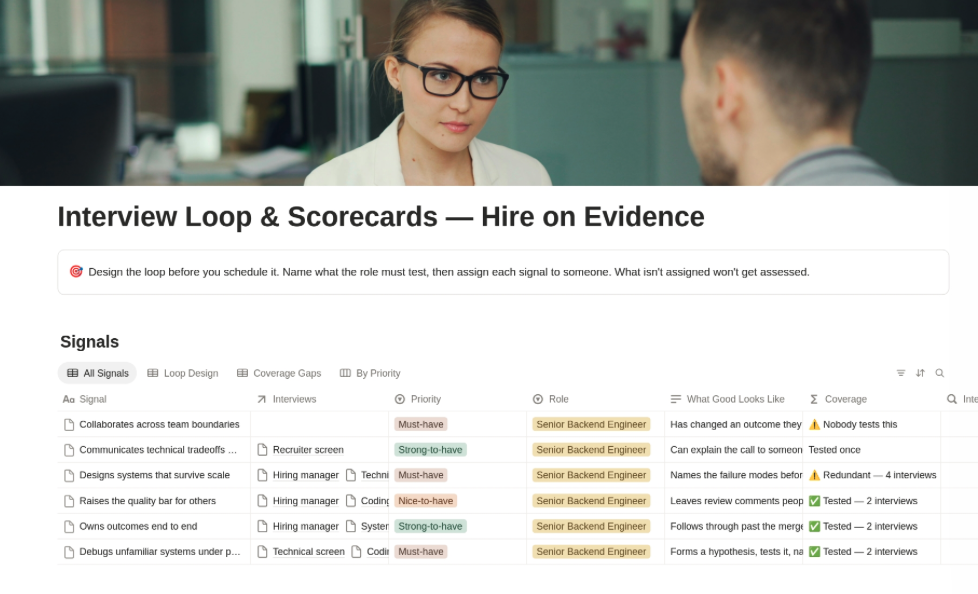
How do I run a structured interview process?
Decide what you're assessing before you meet anyone, and have each interviewer score the same things independently. Unstructured loops tend to weight whoever spoke last in the debrief, and consensus forms around impressions rather than evidence. Interview Loop & Scorecards sets up that structure.
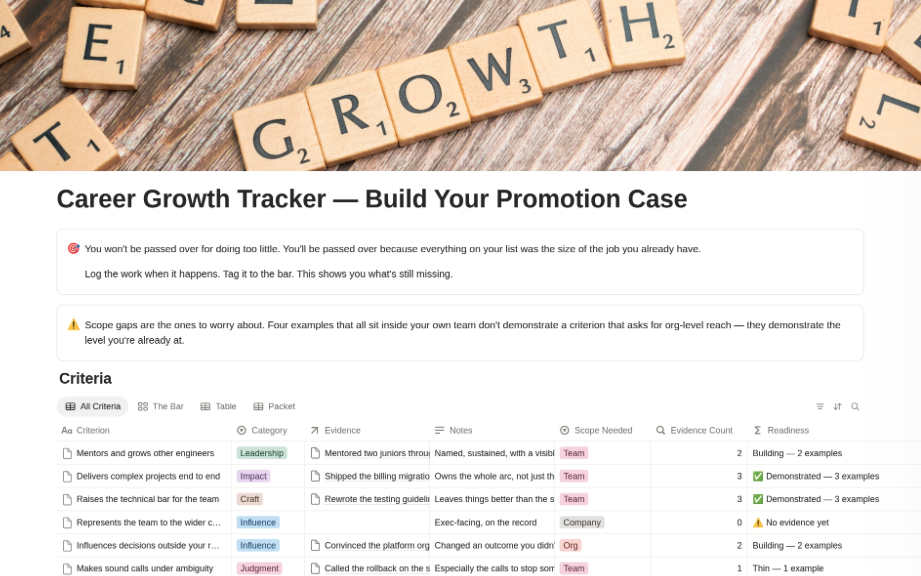
How do I build a case for a promotion?
Collect evidence throughout the year, not in the two weeks before the conversation. A strong case names specific work, its impact, and who saw it — details that are easy to capture at the time and nearly impossible to reconstruct later. The Career Growth Tracker is built for that.
What's a Notion operating system for managers?
A connected set of databases covering the recurring parts of the job — your team, your priorities, 1:1s, feedback, hiring — rather than separate unconnected pages. The value is in the connections: a feedback note links to the person, which links to their 1:1s and their growth plan. Executive OS is that system.
How do I use a Notion template?
Open the listing, click Duplicate, and it lands in your own Notion workspace ready to edit. Nothing to install.
Do I need a paid Notion plan?
No. Every template here works on the free Notion plan.
Where do I buy these?
Everything is listed on the Notion Marketplace. Payment, delivery and receipts are handled there. This site is just the catalogue.
What's the difference between the free and paid templates?
The free ones are complete tools, not demos. They're single databases that do one job well. The paid ones connect several databases together — relations, rollups and views that a single table can't give you.
Can I use these with my team?
Yes, inside your own organisation. They're licensed for your use, not for resale or redistribution.
Do templates get updated?
Yes. Updates go out through the Marketplace listing you bought from.